Skip to content
Client-side image lab

Every pixel, exactly
where you want it.

Resize, crop, convert and color-grade images straight in your browser — full resolution control, live output-size readout, zero uploads.

100%Processed on-device
0Server uploads
3Export formats
 Image Resizer
1920 × 1080 → 800 × 450
The studio

Drop a file. Adjust. Export.

Everything below runs locally using the Canvas API — nothing is transmitted anywhere.

cloud_upload
Drop your image here or browse
JPG · PNG · WebP · GIF · BMP
Original
0 × 0 px
Original size
0 KB
Output size (est.)
0 KB
aspect_ratioDimensions
IG Square
IG Portrait
YouTube
Full HD
transformTransform
tuneColor adjustments
Brightness100%
Contrast100%
Saturation100%
file_downloadExport settings
Quality90%
Process

Three steps, no round trips

Because nothing leaves your device, there's no upload bar to watch and no processing queue to wait behind.

01 / LOAD

Drop a file

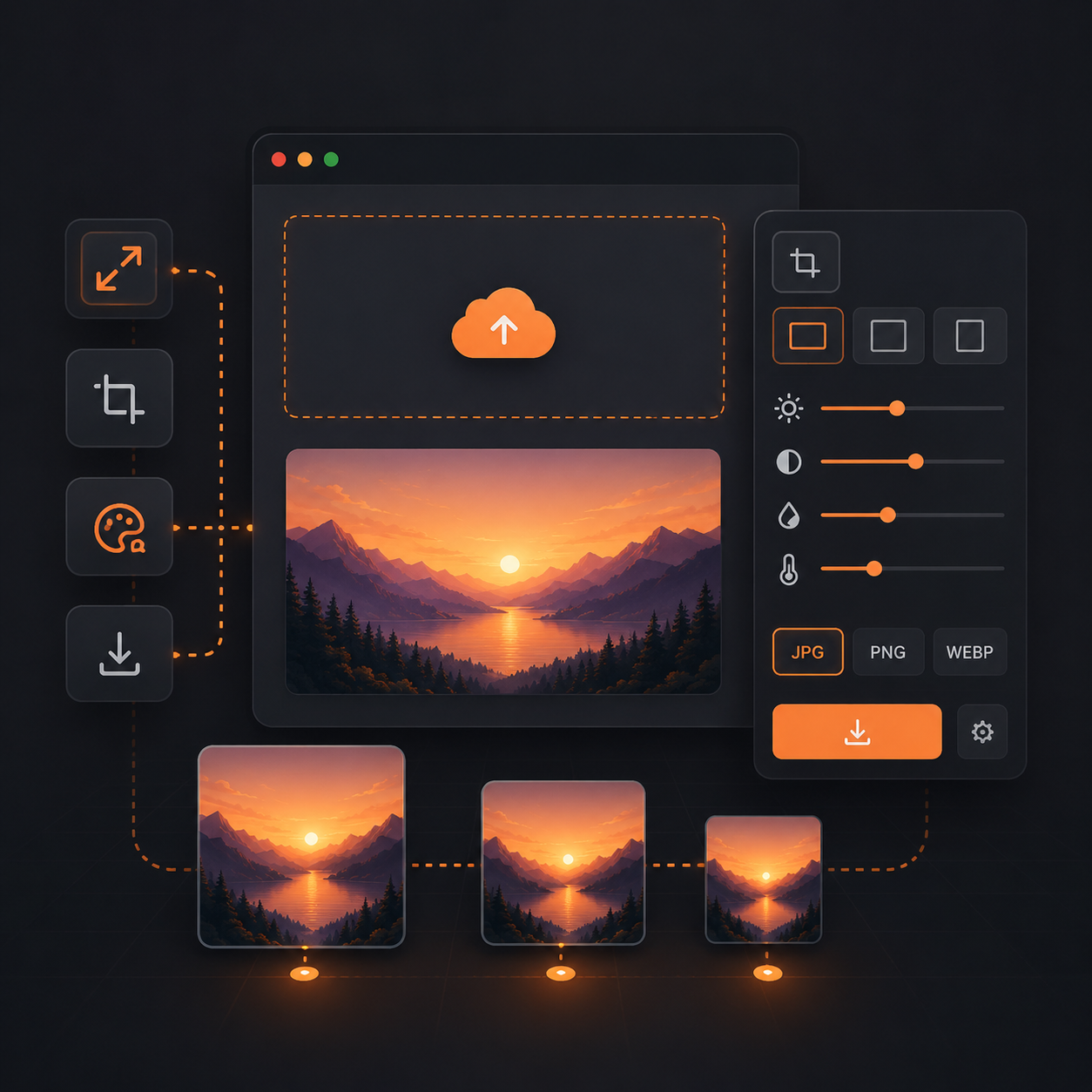
Drag an image into the studio or browse your files. It's decoded straight into a canvas element in memory.

02 / ADJUST

Shape it

Set exact pixel dimensions or a percentage, apply a social preset, rotate, flip, and grade brightness, contrast and saturation.

03 / EXPORT

Download

Watch the estimated output size update live as you adjust quality and format, then export in one click.

Toolkit

Everything for a quick image fix

Six focused tools, built for the ninety percent of edits people actually need before publishing an image.

aspect_ratio

Precision resize

Set exact pixels or a percentage, with an optional aspect-ratio lock so nothing distorts.

grid_view

Smart presets

One-click sizes for Instagram, YouTube and Full HD, with more platforms on the way.

sync_alt

Format convert

Move freely between JPEG, PNG and WebP depending on where the image is headed.

transform

Rotate & flip

Straighten a sideways photo or mirror it, without ever leaving the canvas.

tune

Color grade

Fine-tune brightness, contrast and saturation with live sliders before you export.

speed

Live size readout

See the estimated output file size update in real time as you change quality and format.
cloud_upload
01 — Loading image.jpg
tune
02 — Adjusting size & color
download
03 — Exporting resized-image.webp
WALKTHROUGH — LOOP00:09
See it in action

A 60-second feel for the workflow

The loop on the left mirrors the exact three steps you'll take in the studio above — no separate app, no plugin, no sign-up screen in between.

  • check_circleNothing is uploaded while you preview or edit
  • check_circleOutput size updates before you commit to a download
  • check_circleWorks the same on desktop and mobile browsers
Feedback so far

What people are saying

A few notes from early users of the studio. Have your own? Leave one below.

4.8
★★★★★
Based on 214 responses
★★★★★

I needed a thumbnail resized at 1am with no app installed. This did it in about ten seconds, no account needed.

MR
Maya R.Product designer
★★★★★

The live output-size number is what sold me. I can hit a file-size target without guessing at the quality slider.

DK
Daniel K.Freelance developer
★★★★☆

Presets for social sizes saved me from looking up dimensions every time. Would love batch export next.

SO
Sara O.Social media manager
★★★★★

Client-side processing matters for our workflow — we handle images we can't send to a random server.

TL
Theo L.IT administrator
★★★★★

Simple, fast, and the color sliders are enough for quick fixes without opening a full editor.

PN
Priya N.Small business owner
★★★★☆

Does exactly what it says. The dark mode toggle is a nice touch for late-night editing sessions.

JW
Jonas W.Photographer
Tell us what to build next

Leave feedback

Ratings and notes here stay on this page for this session — they help shape what gets built next.

Questions

Frequently asked questions

Can't find what you're looking for? Leave a note in the feedback section above.

Yes. Every tool on this page — resize, compress, convert and color-grade — is free, with no account and no watermark.

No. All processing happens locally in your browser using the Canvas API. Your files never leave your device.

You can import JPG, PNG, WebP, GIF and BMP files, and export as JPEG, PNG or WebP.

There's no artificial cap. Very large files are limited only by your device's available memory.

Downscaling is generally lossless in perceived quality. Upscaling beyond the original resolution can soften detail, since no new information can be created.

The current version processes one image at a time so you can fine-tune each result. Batch export is on the roadmap.

Yes. The studio is fully responsive and works in modern mobile browsers, though very large files may process more slowly on phones.